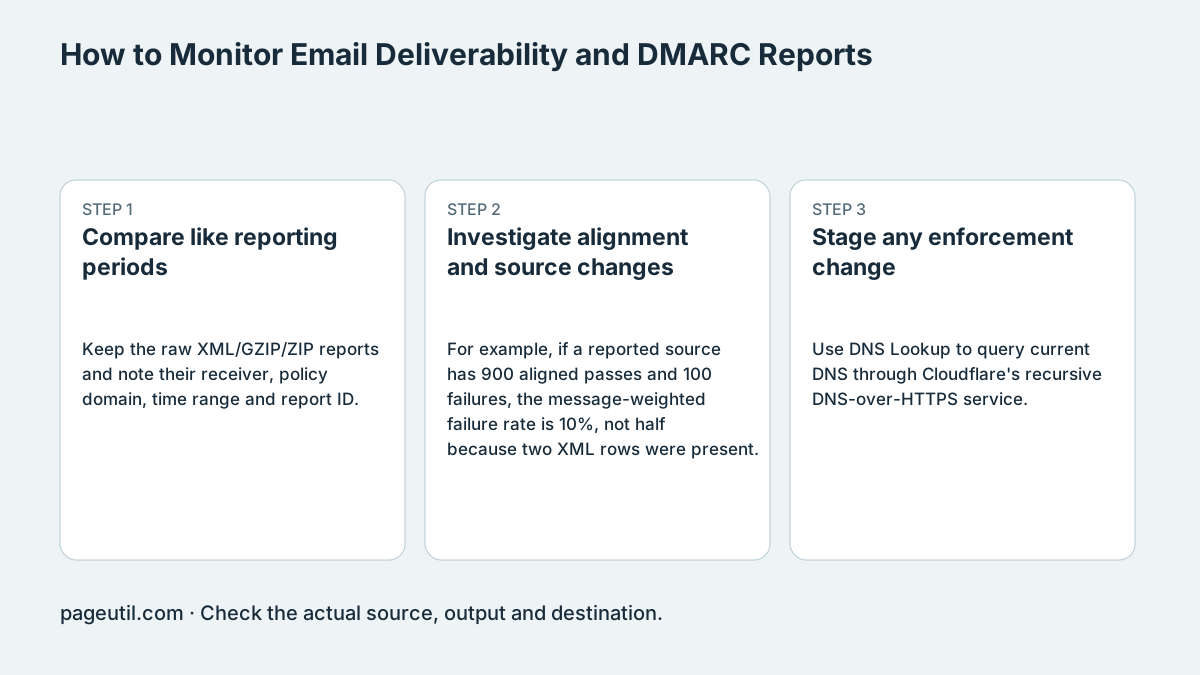
Compare like reporting periods
Keep the raw XML/GZIP/ZIP reports and note their receiver, policy domain, time range and report ID. Compare equivalent periods and receiver populations. Missing reports, overlapping windows and duplicates can change totals without a change in sending behavior.
Build an inventory of legitimate sending services independently of the reports. A sender absent from a sample may simply not have sent mail to a reporting receiver during that period. A zero-failure sample cannot establish complete coverage.
Investigate alignment and source changes
For example, if a reported source has 900 aligned passes and 100 failures, the message-weighted failure rate is 10%, not half because two XML rows were present. Inspect the receiver’s policy_evaluated results and report provenance before attributing that change to a configuration edit.
Correlate unknown sources with authorised applications and representative received messages. Forwarding, signature changes and spoofing can produce different failure patterns. A source IP or PTR record alone does not verify a sender’s identity, and aggregate disposition is not an inbox-delivery measurement.
Stage any enforcement change
Use DNS Lookup to query current DNS through Cloudflare's recursive DNS-over-HTTPS service. Query the correct SPF hostname, DKIM selector and _dmarc name; use an authoritative DNS client separately when needed. This browser tool does not query an authoritative server directly.
Test legitimate mail streams and review exceptions before changing policy. Make changes through the responsible mail administrator, retain rollback information and monitor actual outcomes. Reporting periods with no observed legitimate failures are useful evidence, but do not eliminate the risk to unobserved senders.
References
Use the linked specifications and product documentation to check behavior in your own environment.
Related tools
Frequently asked questions
Do reports contain every sender and recipient?
No. They cover traffic observed and reported by participating receivers for the included periods.
Does zero observed failure make reject policy risk-free?
No. Unobserved legitimate streams and incomplete reporting can still hide failures. Stage and monitor any policy change.
Does disposition show inbox placement?
No. Authentication policy and actual mailbox delivery/placement are different evidence.