What to run
Open Open Graph Generator. It stays in the browser.
How to read the result
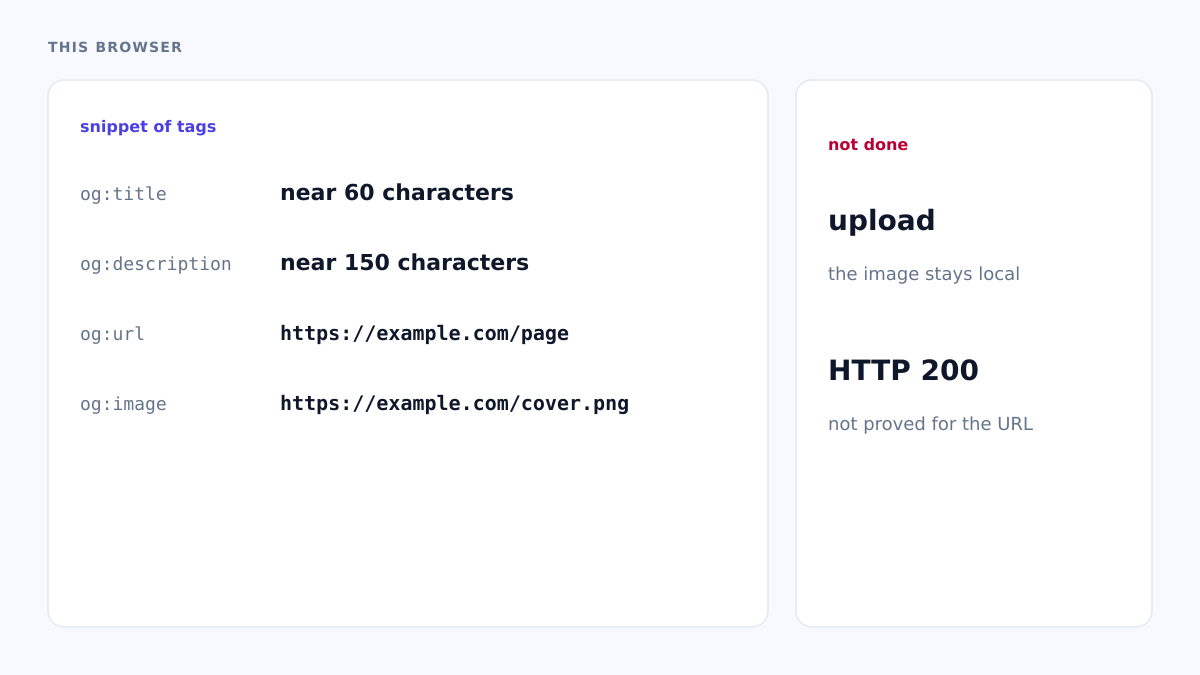
The snippet is meta and og: tags.
It does not upload the image or prove the URL returns 200.
Title near 60 characters and description near 150 survive more platforms.
What to open next
Open Word Counter on the two strings. It stays in the browser.
Open Is This Website Down on the page URL and the image URL. The check runs from Cloudflare.
Open Slug Generator for the path. It stays in the browser.
References
Related tools
Frequently asked questions
Does Open Graph Generator upload the image?
Open Graph output is a snippet of tags, and it does not upload the image or prove the URL returns 200. The snippet is meta and og: tags.
How long should an Open Graph title be?
Title near 60 characters and description near 150 survive more platforms. Open Graph Generator stays in the browser.
How do I check that the page URL answers?
Open Is This Website Down on the page URL and the image URL. The check runs from Cloudflare.