What to run
Open Password Generator. It stays in the browser.
How to read the result
The string is the password.
Length and the character sets you ticked are the policy.
It is not stored and not strength-scored on this page.
What to open next
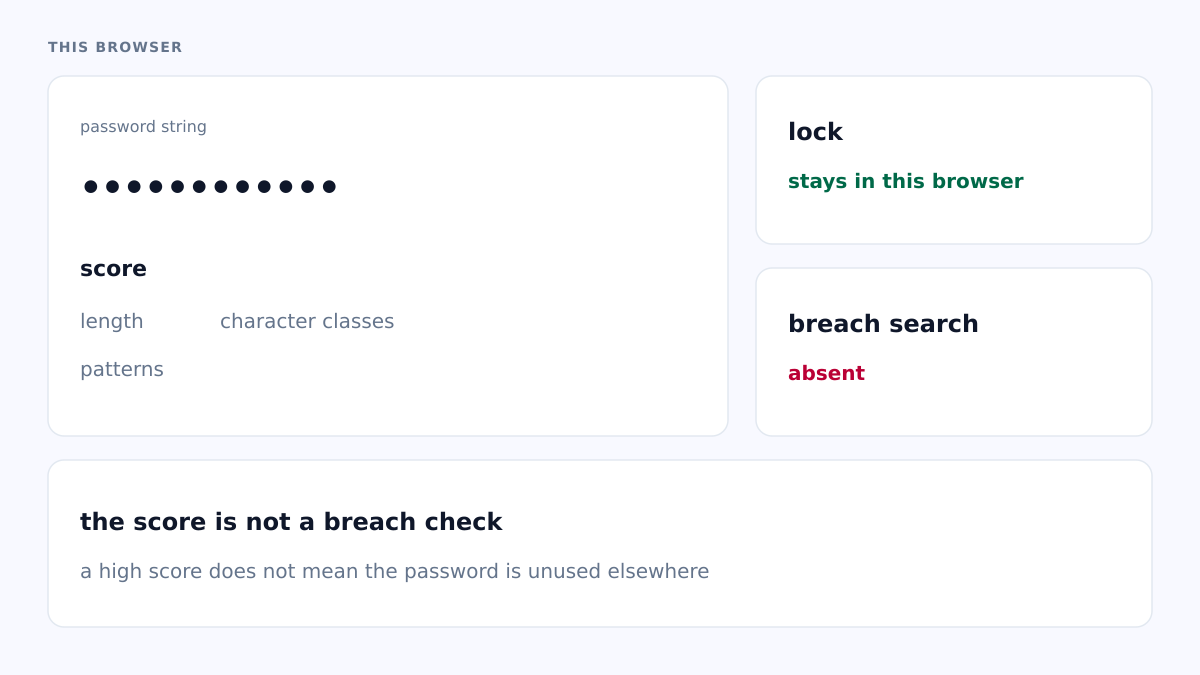
Open Password Strength on a copy you paste locally. It stays in the browser.
Do not put the password in a ticket.
References
Related tools
Frequently asked questions
Is a generated password stored or sent away?
A generated password stays in this browser. It is not stored and not strength-scored on this page.
Does this page score the generated password?
This page does not score its strength. Open Password Strength on a copy you paste locally. It stays in the browser.
What decides the generated password string?
The string is the password. Length and the character sets you ticked are the policy. Do not put the password in a ticket.