What to run
Open XML Formatter. It stays in the browser.
How to read the result
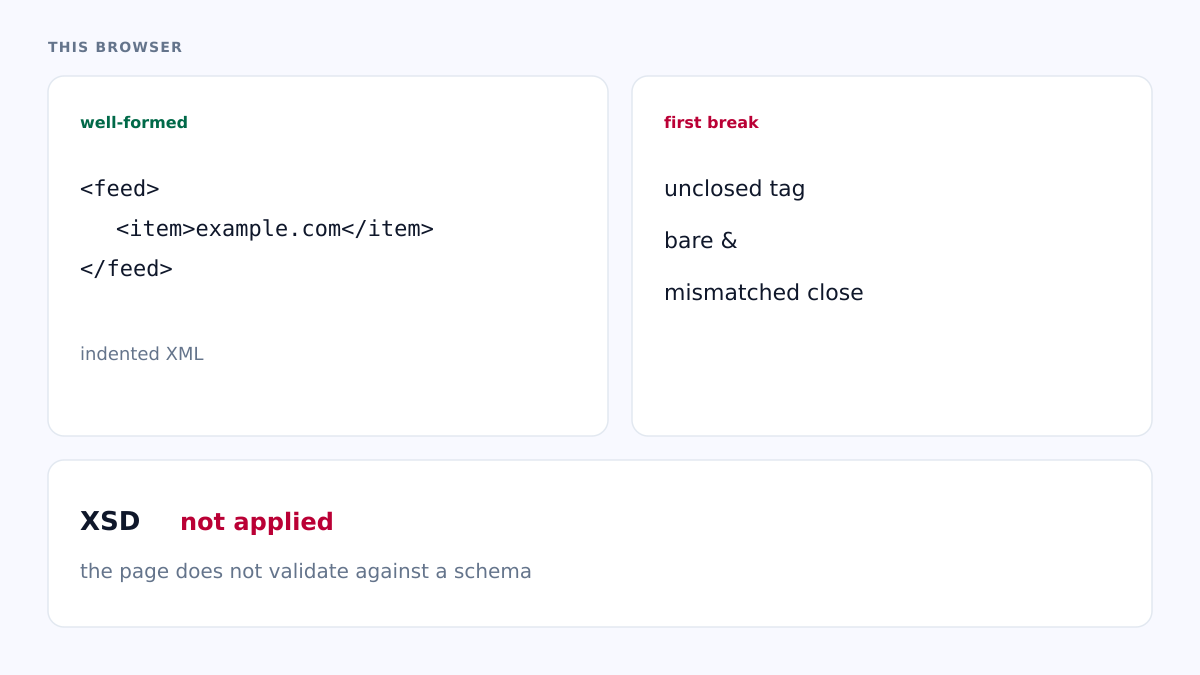
Formatted output means well-formed.
The error is the first well-formedness break: unclosed tag, bare &, or mismatched close.
The page does not validate against an XSD.
What to open next
Open HTML Escape if you are about to paste the XML into HTML. It stays in the browser.
Open Find and Replace for a repeated bad character, then re-parse. It stays in the browser.
References
Related tools
Frequently asked questions
Does formatted XML mean it passed an XSD?
Formatted XML is well-formed, and an XSD is not applied. The page does not validate against an XSD.
What does the first XML parse error identify?
The error is the first well-formedness break: unclosed tag, bare &, or mismatched close. The first error is the first break.
Does XML Formatter stay in the browser?
XML Formatter stays in the browser. Formatted output means well-formed.