What to run
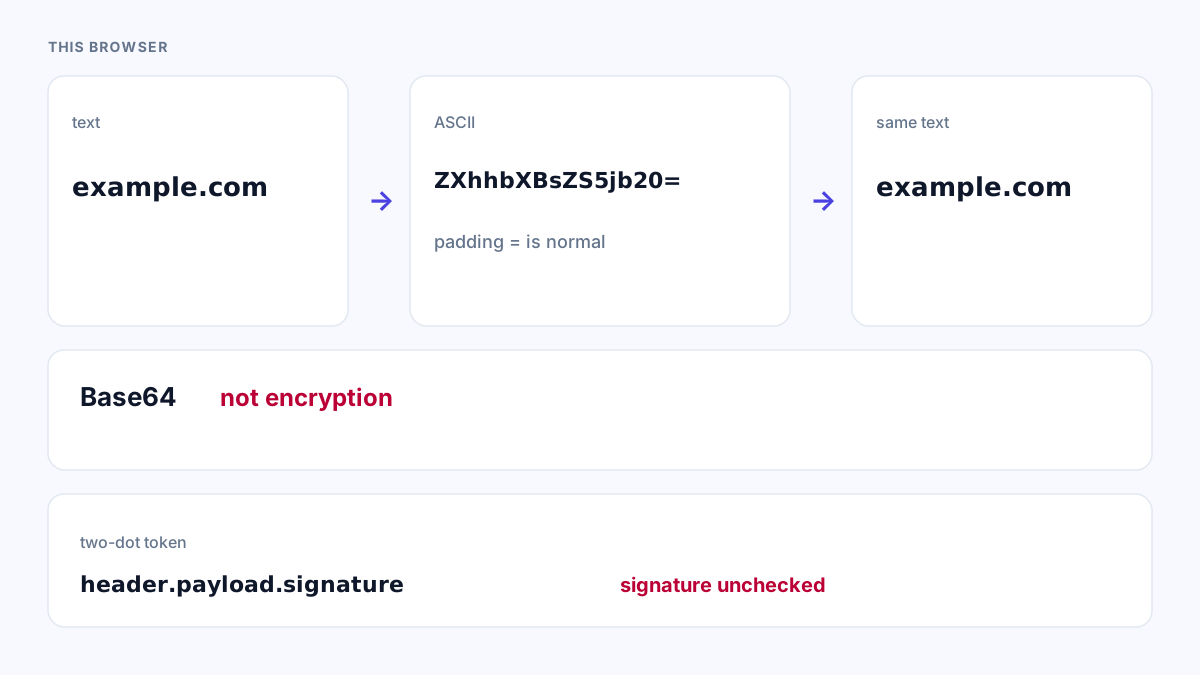
Open Base64 Encode and Decode. It stays in the browser.
How to read the result
Readable text means it was text.
Replacement characters or a parse error mean binary or a bad alphabet.
JWT segments are base64url; the page should accept that, and you still do not have a verified token.
What to open next
Open JWT Decoder if the string has two dots. It stays in the browser and does not verify the signature.
Open JSON Formatter if the decoded text starts with {. It stays in the browser.