What to run
Open Word Counter. It stays in the browser.
How to read the result
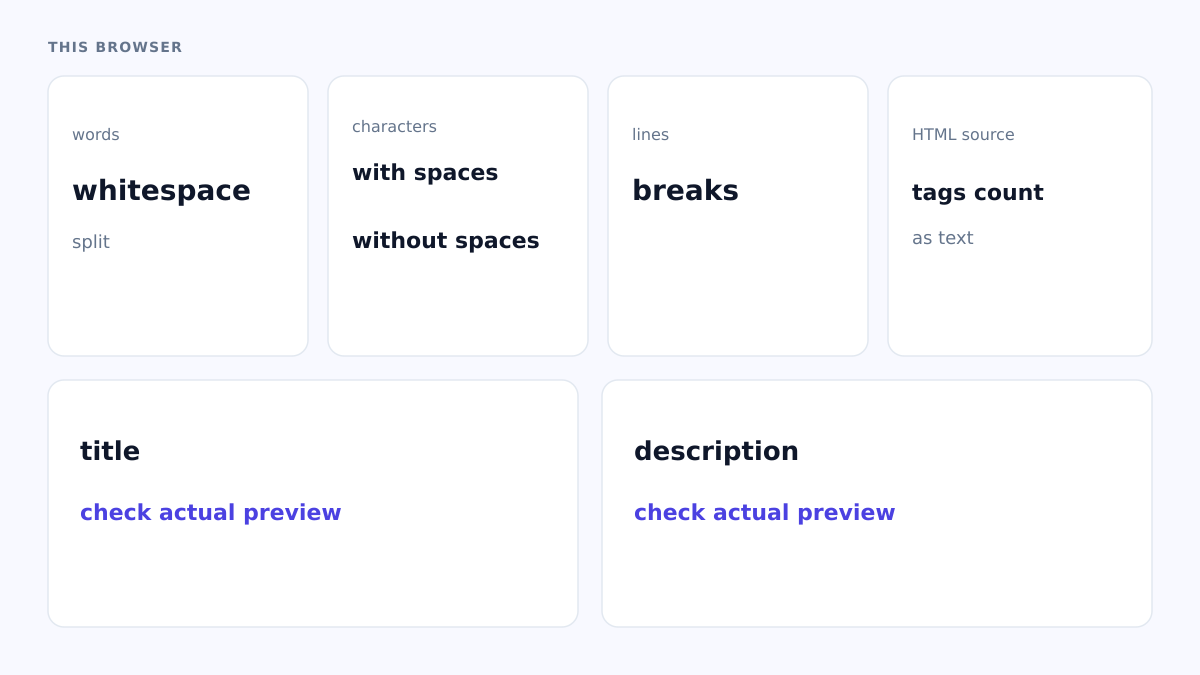
Words are whitespace-separated.
Characters count Unicode code points, including whitespace. The without-spaces count excludes whitespace, including line breaks; some visible emoji contain multiple code points.
Lines count breaks.
HTML tags count as text if you paste source.
What to open next
Open Case Converter or Slug Generator after the count, not before, if the limit is on the human title. Both stay in the browser.
Use Open Graph Generator for metadata tags. Character-count targets are editorial heuristics, not universal platform limits; rendered width and the consuming product also matter.
References
Related tools
Frequently asked questions
How are words split in a word count?
Words are split on whitespace. Words are whitespace-separated, and lines count breaks.
Do pasted HTML tags count as text?
HTML tags count as text if you paste source. The character total includes whitespace and counts Unicode code points.
How long should titles and descriptions be?
There is no universal title/description character limit across products. Treat approximate length targets as editorial heuristics and inspect the actual preview.