What to run
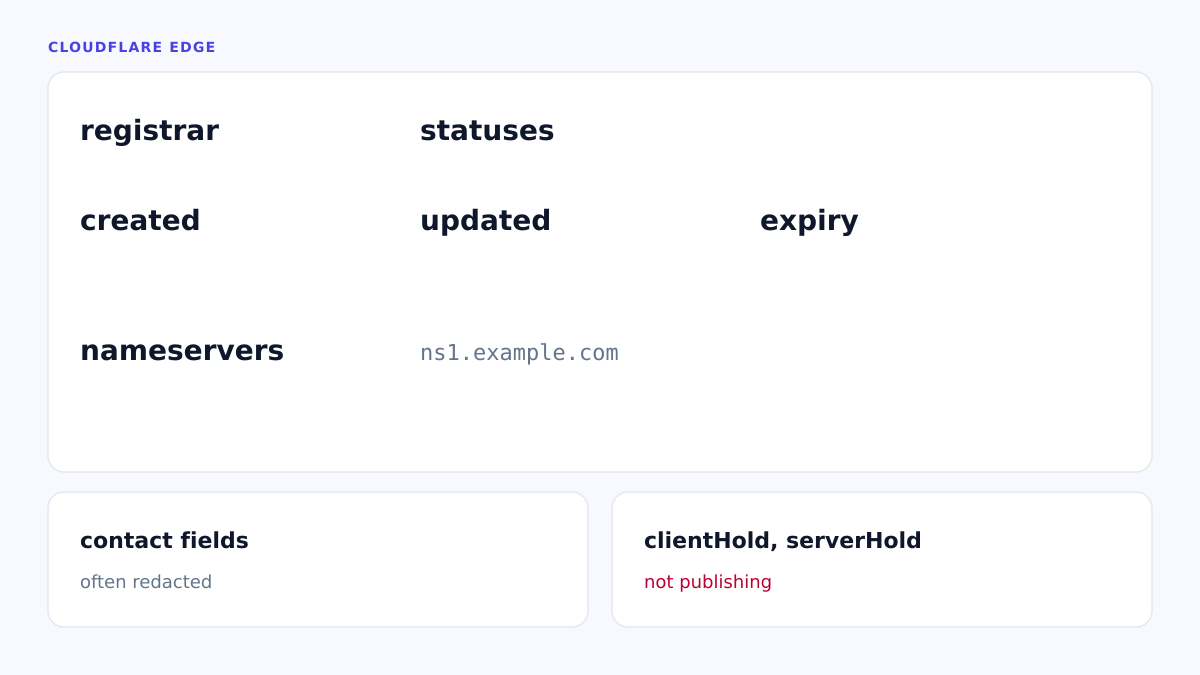
Open Whois Lookup. The result is from Cloudflare. Whois is RDAP: registrar, statuses, dates, and nameservers.
How to read the result
Read the registrar, statuses, created, updated, expiry, and nameservers.
Privacy redaction is normal. Missing contact fields are not a failed lookup.
Statuses such as clientHold or serverHold mean the registry is not publishing the domain.
What to open next
Use DNS Lookup for NS, to see what is actually serving. DNS Lookup is DNS-over-HTTPS from the browser and does not follow CNAMEs.
Open Is This Website Down if a hold status should have taken the site offline. That result is from Cloudflare.
References
Related tools
Frequently asked questions
What does Whois Lookup return for a domain?
Whois is RDAP: registrar, statuses, dates, and nameservers. Read the registrar, statuses, created, updated, expiry, and nameservers.
Do missing contact fields mean the lookup failed?
Privacy redaction is normal. Missing contact fields are not a failed lookup. Redacted contacts are normal.
What do clientHold and serverHold statuses mean?
Statuses such as clientHold or serverHold mean the registry is not publishing the domain.