What to run
Open HTML Escape. It stays in the browser.
How to read the result
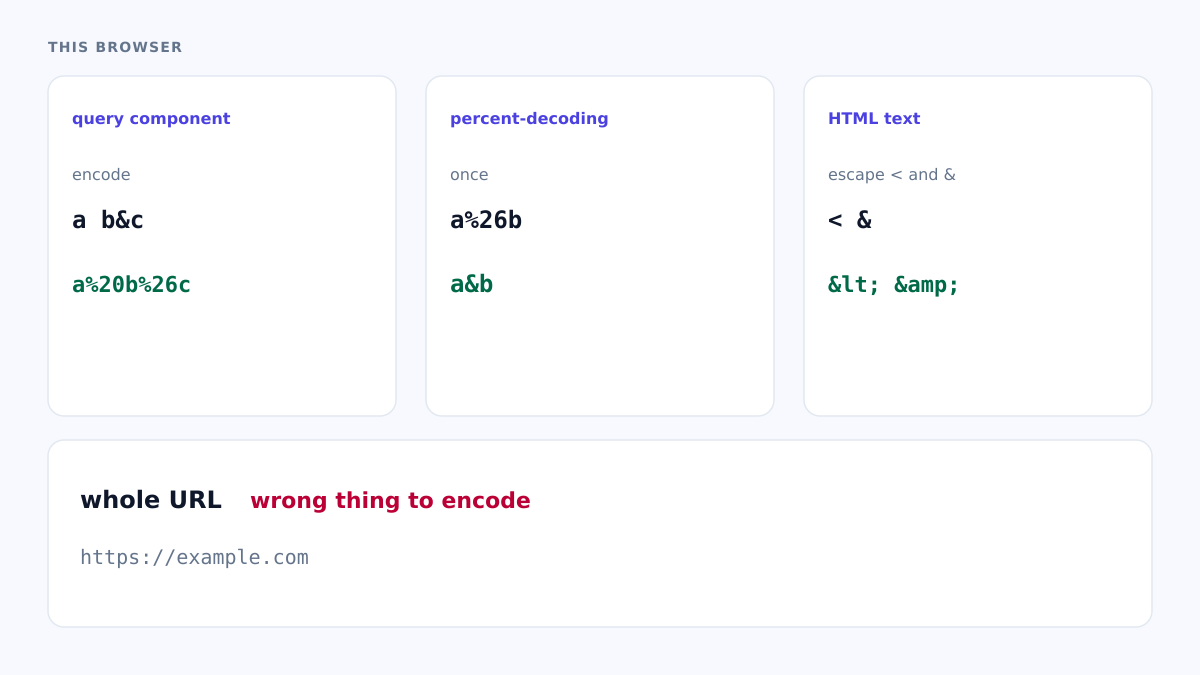
< becomes <. & becomes &.
That is safe to put in element text.
It is not safe inside a URL attribute by itself, and it is not a sanitiser for a whole HTML document.
What to open next
For href values, parse and validate the permitted URL scheme and destination, encode component values as needed, and escape the final HTML attribute. URL encoding alone does not make a javascript: URL safe. Prefer safe DOM APIs for untrusted text.
Open Graph Generator already emits escaped tags if you use its snippet. It stays in the browser.
References
Related tools
Frequently asked questions
What does HTML escaping change in user text?
< becomes < and & becomes &. That is safe to put in element text.
Is escaped text safe inside a URL attribute?
It is not safe inside a URL attribute by itself, and it is not a sanitiser for a whole HTML document. HTML escaping is for element text.
Is HTML escaping the same job as encoding a URL?
HTML escaping is for element text, and it is a different job from encoding a URL. HTML Escape stays in the browser.